Specify Your Tenant Name
The tenant name uniquely identifies your Calibo Accelerate environment. It is displayed on the sign-in screen (below your email address) and in email notifications, helping users clearly identify which tenant the notification belongs to.
Guidelines for Entering a Tenant Name
-
Must start with a letter (A–Z, a–z).
-
Must be between 3 and 255 characters long.
-
May include the following characters:
-
Letters (A–Z, a–z)
-
Numbers (0–9)
-
Underscore (_), Hyphen (-), Comma (,), Period (.)
-
-
Avoid using special characters outside the allowed set.
-
Choose a meaningful name that represents your organization, project, or environment.
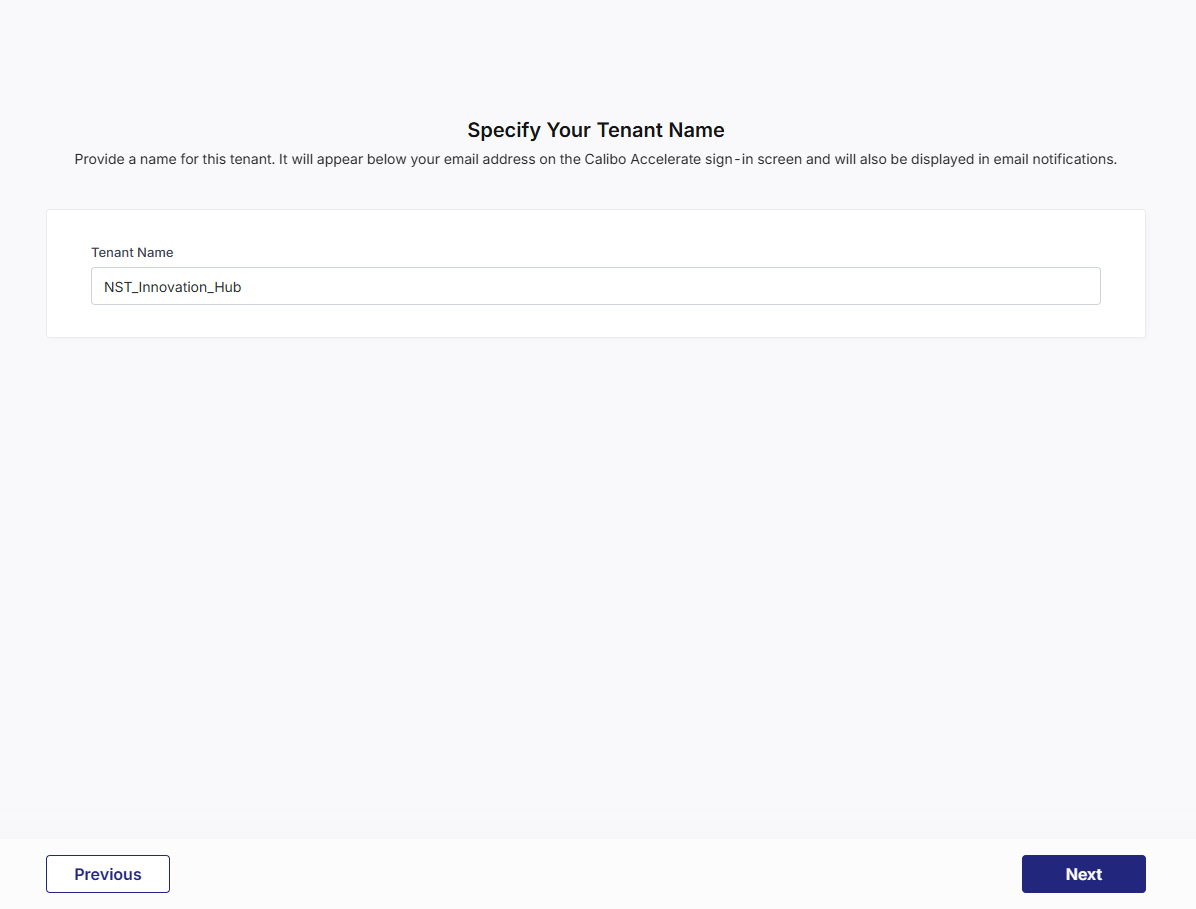
Click Previous to return to the previous screen in the F24H Wizard.
After you provide a valid tenant name, click Next to proceed and select your preferred Identity Provider (IdP) for Single Sign-on (SSO) configuration.
| What's next? Configure Single Sign-on |
 Recommended Topics